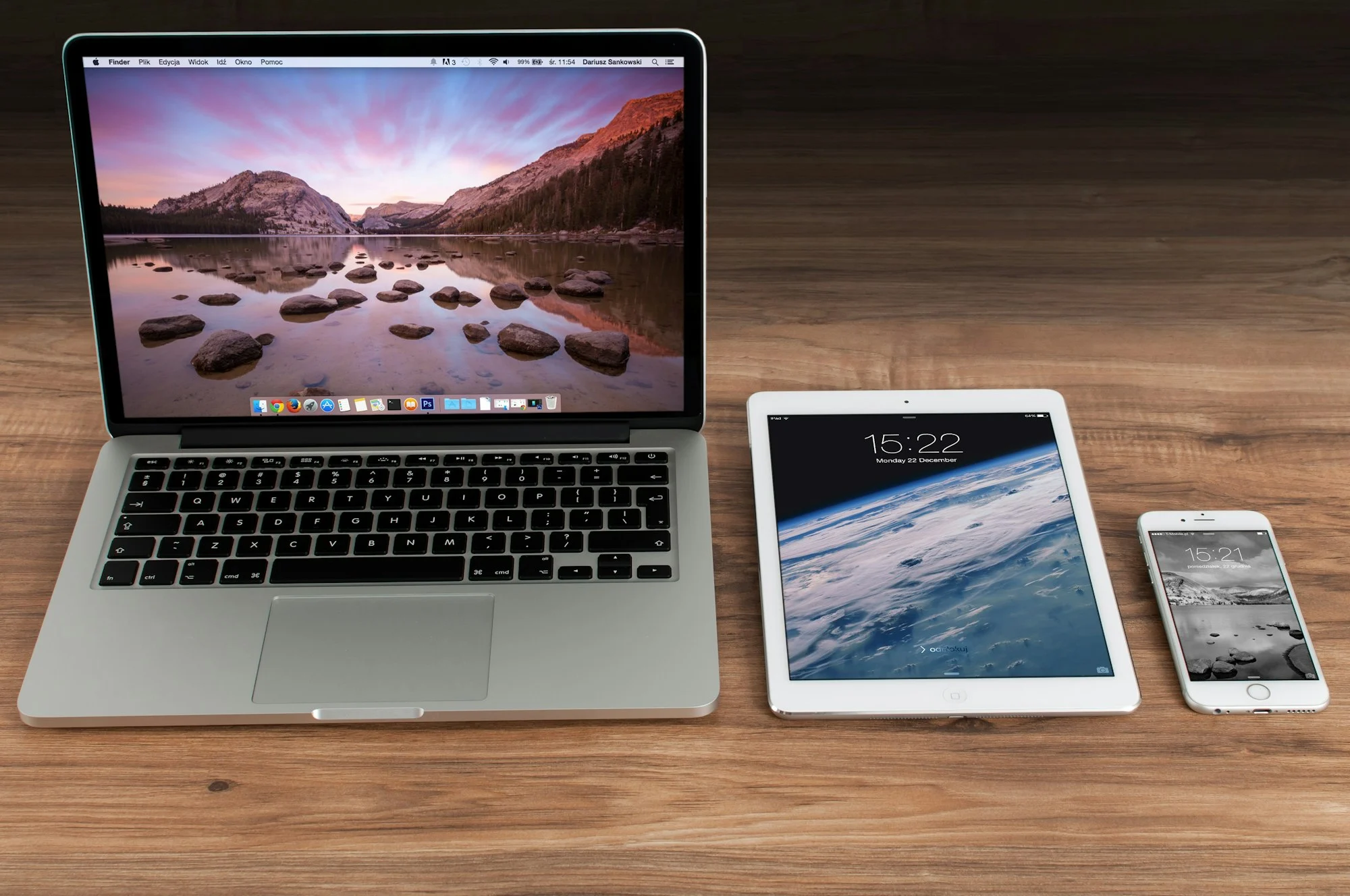
GoFast IPTV works with the devices most households already own. Pick your device below for a dedicated setup guide, or check the recommended internet speeds to get the best picture.
Through a compatible IPTV player app on your TV.
Android TV and Google TV based TVs and boxes.
Fire TV Stick and Fire TV devices.
Android phones and tablets.
Using a compatible player app from the App Store.
Big-screen viewing on your tablet.
Windows PCs and laptops.
macOS computers and laptops.
Set-top boxes that support portal-based setup.
Modern browsers where web players are supported.
Device and platform names identify compatibility only. GoFast IPTV is not affiliated with their owners.
Next Steps
New to GoFast IPTV? Learn what is included in our IPTV subscription, see how IPTV setup works from order to first channel, or buy your IPTV subscription on WhatsApp in a few minutes.
Setup Guides by Device
IPTV for Firestick: Setup Guide
How to set up GoFast IPTV on Fire TV Stick and Fire TV devices, step by step.
Read more
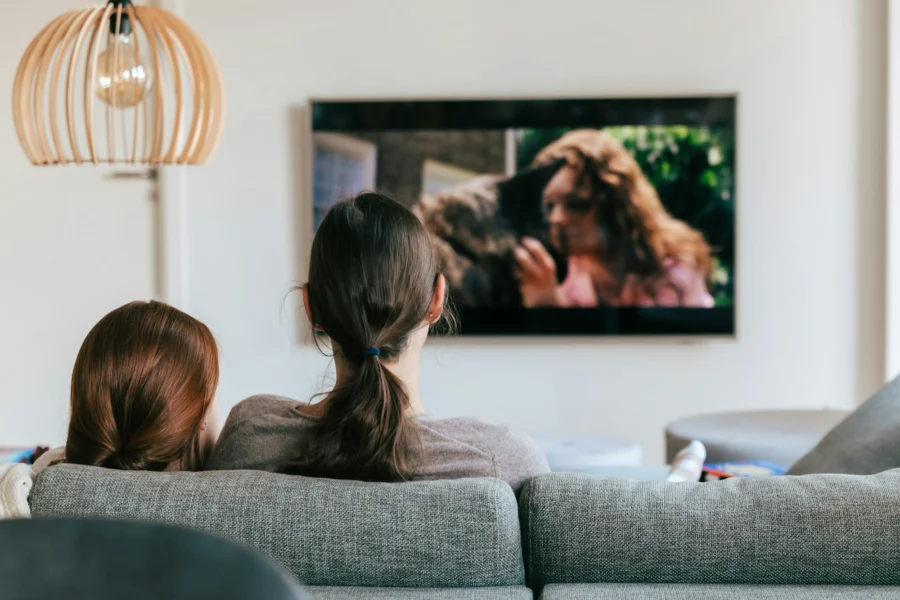
IPTV for Smart TV: Setup Guide
How to set up GoFast IPTV on a Smart TV or Android TV: install a compatible player app, enter your details and start watching.
Read more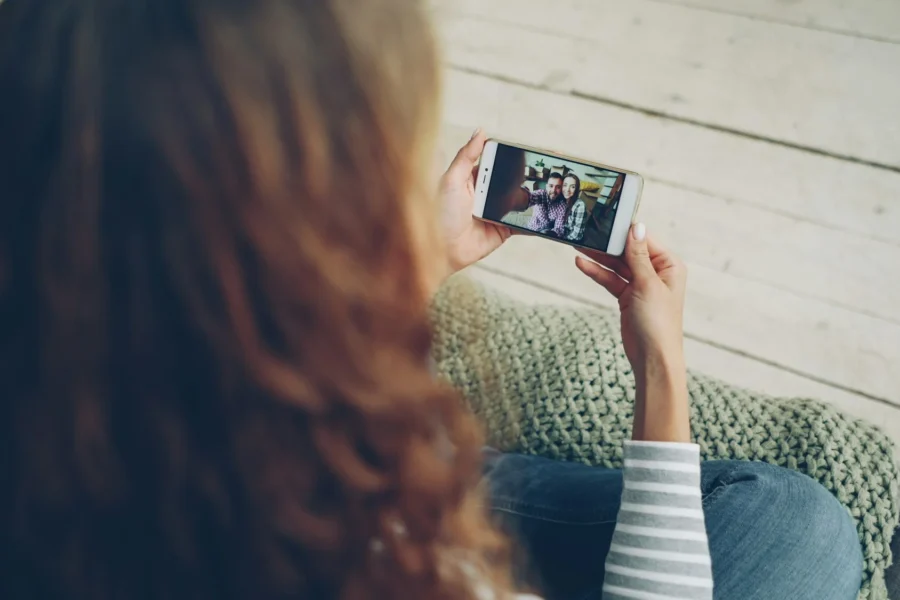
IPTV for Android: Setup Guide
How to set up GoFast IPTV on Android phones, tablets and Android TV boxes.
Read more
IPTV for iPhone & iPad: Setup Guide
How to set up GoFast IPTV on iPhone and iPad with a compatible iOS player app.
Read more
IPTV for PC: Setup Guide
How to watch GoFast IPTV on a Windows PC, laptop or Mac.
Read moreHow GoFast IPTV Works
From choosing a plan to pressing play, IPTV setup takes just a few minutes. Here is the whole process.
Read moreRecommended Internet Speeds
Your connection has the biggest effect on picture quality. These are general guidelines per stream.
| Quality | Recommended speed | Tip |
|---|---|---|
| SD | ~5 Mbps | Good for small screens and slower connections |
| HD / Full HD | 15–25 Mbps | Ideal for most TVs and tablets |
| 4K | 25+ Mbps | Use Ethernet or strong 5 GHz Wi-Fi |
Get the Best Picture on Any Device
- Use a strong connection: connect your TV with an Ethernet cable when possible, or keep your router close to your streaming device.
- Keep apps up to date: update your player app and device software regularly for the best compatibility.
- Ask before you order: tell us your device model on WhatsApp and we will confirm compatibility first.
Want to know more about connection speeds? Read what internet speed you need for HD and 4K streaming.
Device Questions
Quick answers to the questions we hear most often.
Which devices are supported?
GoFast IPTV works with Smart TVs, Android TV, Fire TV, Android phones and tablets, iPhone, iPad, Windows and Mac computers, MAG-compatible set-top boxes and supported web browsers. See the Devices page for details.
Can I use it on a Smart TV?
Yes. Most Smart TVs can run a compatible IPTV player app. Tell us your TV model and we'll point you to the right setup steps.
Can I use it on Fire TV?
Yes. Fire TV Stick and other Fire TV devices are supported through a compatible player app. We include Fire TV setup instructions with your order.
Can I use it on Android?
Yes. Android phones, tablets and Android TV devices are supported using a compatible IPTV player app.
Can I use it on iPhone or iPad?
Yes. You can watch on iPhone and iPad with a compatible player app from the App Store.
What internet speed do I need?
As a general guide, aim for 15–25 Mbps for HD and 25 Mbps or more for 4K per stream. A stable connection matters as much as speed.
How long does it take to set up IPTV on a Firestick?
Usually just a few minutes. You install a compatible player app on your Fire TV device, enter the details we send you and start watching. Follow our Firestick setup guide for each step.
Your Devices Are Ready. Are You?
Choose your plan today and get set up on your favorite devices in minutes.
GET STARTED