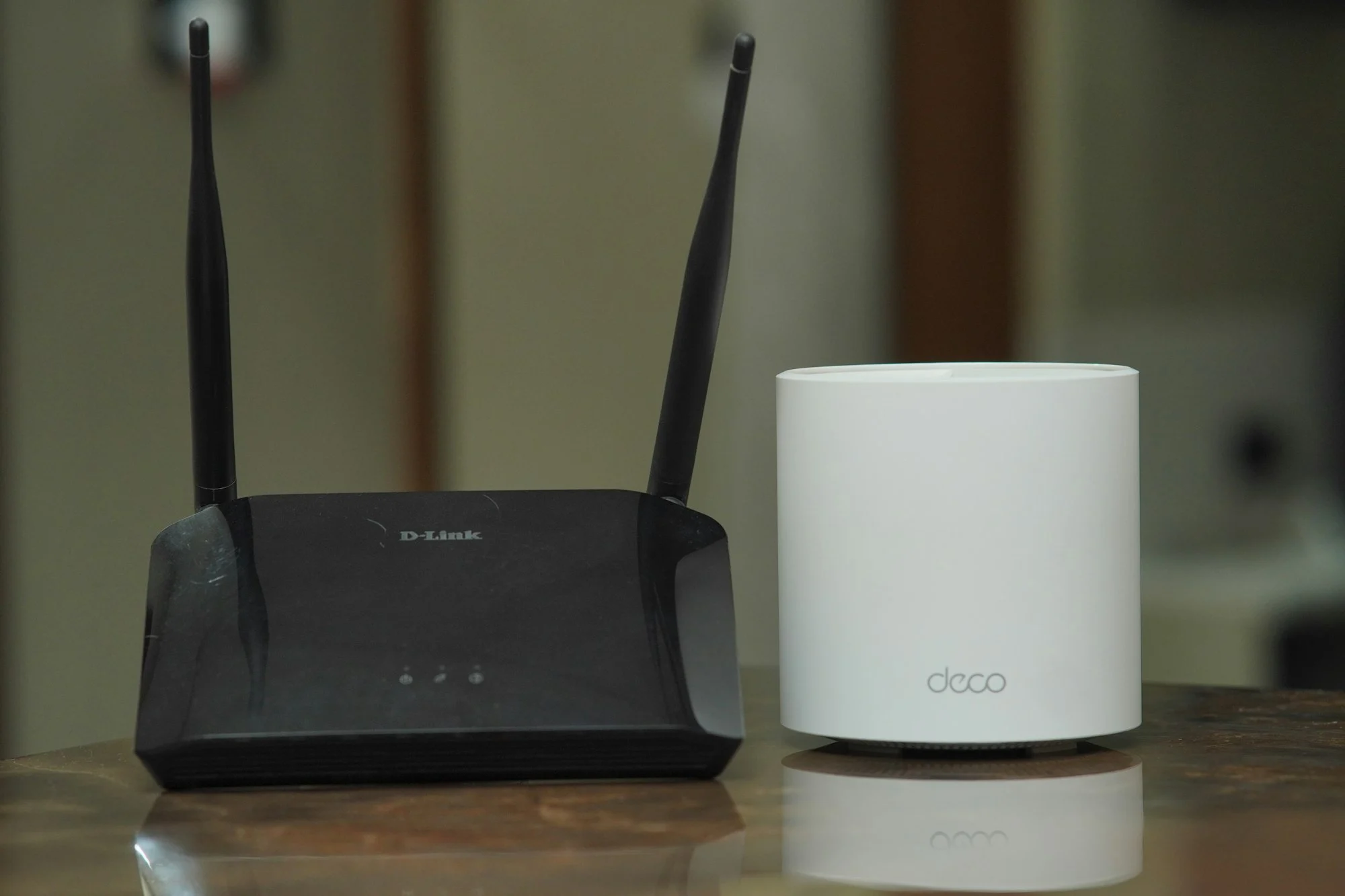
Your internet connection is the single biggest factor in IPTV streaming quality. Here is what speed you need for SD, HD and 4K, and how to get the most out of your home network.
Recommended Internet Speed for IPTV
- SD: around 5 Mbps per stream
- HD / Full HD: around 15–25 Mbps per stream
- 4K: 25 Mbps or more per stream
If several people stream at the same time, add up the requirements for each screen. These are general guidelines; actual needs vary by content and device.
Stability Matters as Much as Speed
A connection that drops in and out will cause buffering even if its top speed is high. Run a speed test a few times during the evening, when networks are busiest, to see what you really get.
How to Improve Your Connection for IPTV
- Use a wired Ethernet cable for your main TV or Firestick when possible
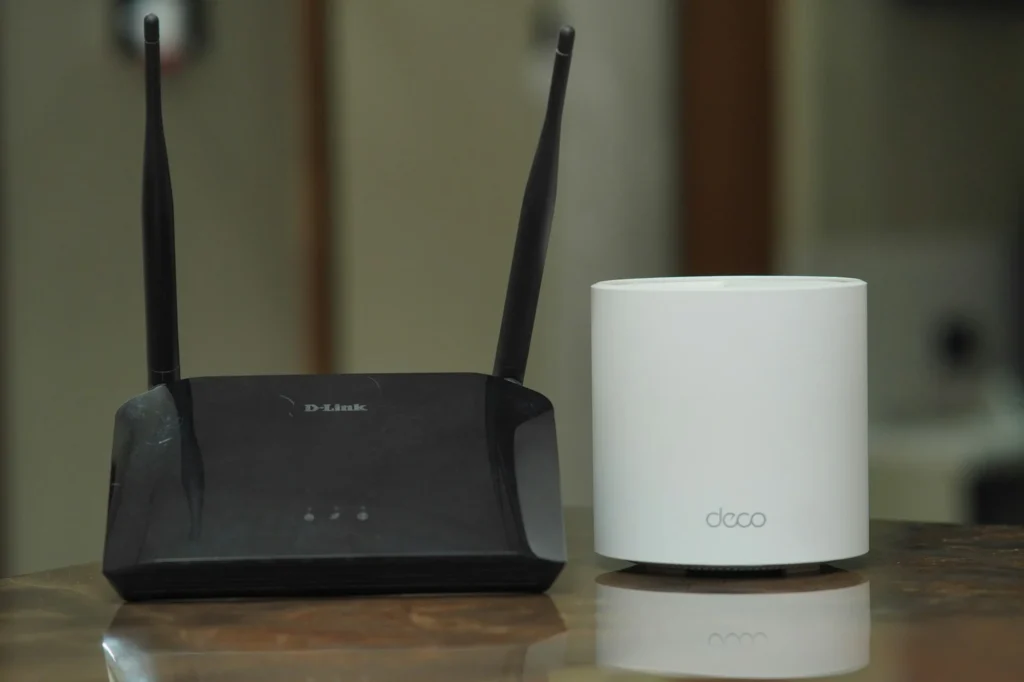
- Place your router in an open, central spot, or add a mesh Wi-Fi system
- Use the 5 GHz Wi-Fi band for devices close to the router
- Restart your router and streaming device occasionally
- Pause large downloads and game updates while you stream
Wi-Fi vs Ethernet
Ethernet gives the most stable connection for TVs and set-top boxes. Wi-Fi is fine for phones, tablets and laptops if the signal is strong.
How to Run a Useful Speed Test
- Test on the device you stream with, or on a phone standing next to it.
- Close other apps and pause downloads on your network first.
- Run the test three times at different times of day, including the evening.
- Note the lowest result as well as the average. That is what your stream has to cope with.
Mbps or MB/s?
Internet speeds are usually shown in megabits per second (Mbps). Download managers often show megabytes per second (MB/s). One megabyte equals eight megabits, so 3 MB/s is roughly 24 Mbps.
How Many Streams Can Your Connection Handle?
Add up what everyone in your home is doing at the same time. For example, on a 50 Mbps connection, one 4K stream (around 25 Mbps) leaves room for browsing and video calls on other devices, but a second 4K stream on top of large downloads may cause buffering. If your household streams a lot at once, consider a faster plan from your internet provider or a wired connection for the main TV.
Still Buffering?
Check our IPTV FAQ, follow the troubleshooting tips in your device setup guide, or message us on WhatsApp.
Ready to Upgrade Your Streaming Experience?
Choose your plan today and get set up on your favorite devices in minutes.
GET STARTED